
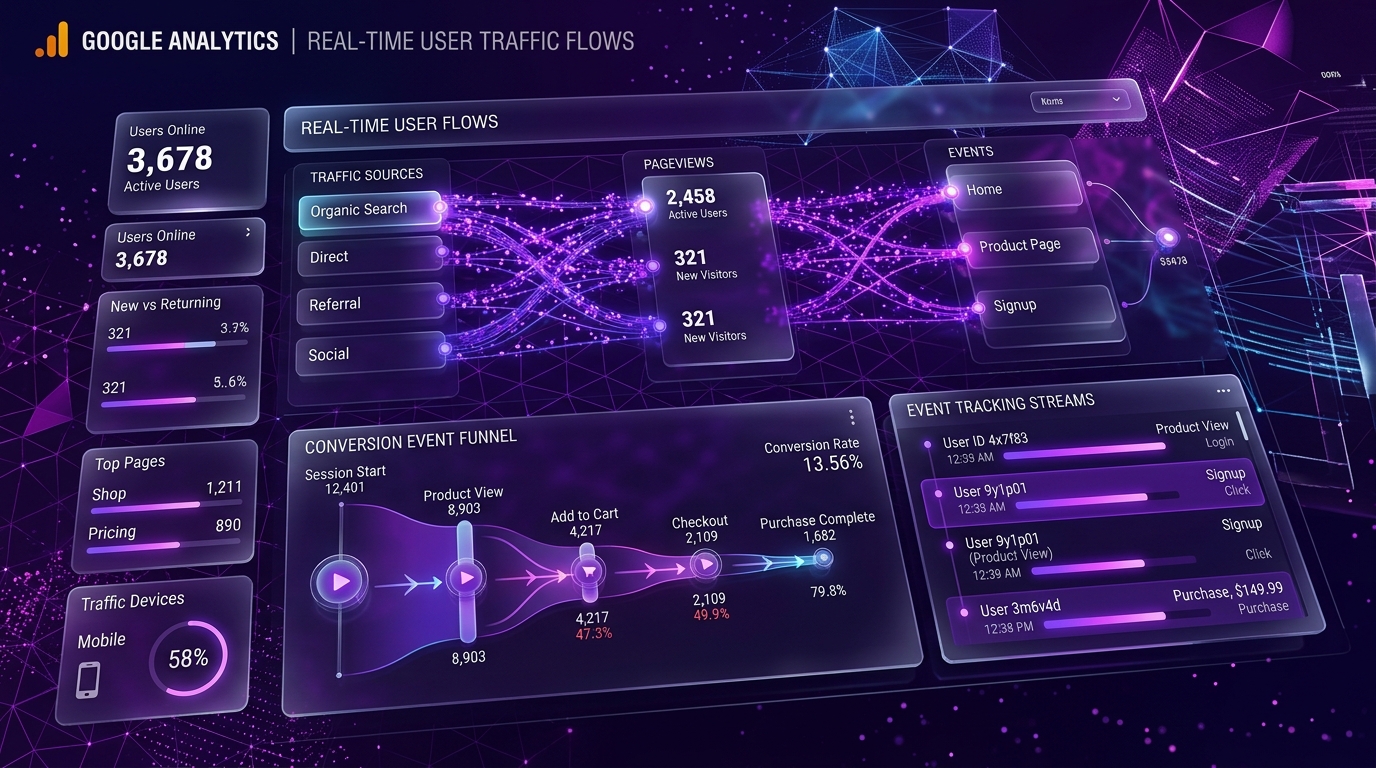
How Google Analytics (GA4) Works: Event Tracking, User Journeys & Conversion Measurement
Google Analytics 4 (GA4) represents a fundamental shift in how digital user traffic and customer journeys are measured. Unlike older Universal Analytics (which relied on pageview-based sessions), GA4 is built on an Event-Based Data Model where every interaction—from a page view to a button click or form submit—is recorded as an event.
1. The Core Architecture: How GA4 Collects Data
When a visitor opens your website, the GA4 tag (gtag.js or Google Tag Manager) initializes in their browser:
- Client Identifier (Client ID): GA4 assigns a unique pseudo-anonymous cookie identifier (
_ga) stored in local storage to track returning visitors across sessions. - Data Payloads: Every user action sends HTTP POST requests (measurement hits) containing event names, timestamps, user parameters, and device metadata to Google's analytics servers.
2. The Event-Based Measurement Model
In GA4, everything is an event. Events fall into four distinct categories:
- Automatically Collected Events: Tracked out of the box (e.g.,
first_visit,session_start,user_engagement). - Enhanced Measurement Events: Captured automatically when enabled in settings (e.g.,
scroll,click,file_download,video_start). - Recommended Events: Standardized events for e-commerce and lead generation (e.g.,
generate_lead,select_content,purchase). - Custom Events: Unique interactions tailored to your product (e.g.,
book_consultation_click,case_study_opened).
3. Tracking Custom Conversions & User Funnels
To turn analytics data into business insights, mark key high-intent user actions as Conversions:
// Triggering a custom lead conversion event in JavaScript
window.gtag('event', 'generate_lead', {
  event_category: 'Contact Form',
  event_label: 'Custom Web Development Inquiry',
  value: 1
});
By mapping your user journey—from initial landing page arrival to contact form submission—GA4 enables you to visualize drop-off points in your conversion funnels and identify your highest-performing traffic channels.
4. Using Data to Drive Engineering & Growth Decisions
By analyzing GA4 engagement metrics alongside Search Console performance data, founders can make data-backed growth decisions:
- High Traffic, Low Conversion: Page content or UX call-to-action requires refinement.
- High Engagement, Low Traffic: Double down on SEO distribution and keyword expansion.
- Top Referral Sources: Allocate marketing resources to channels generating real leads.