
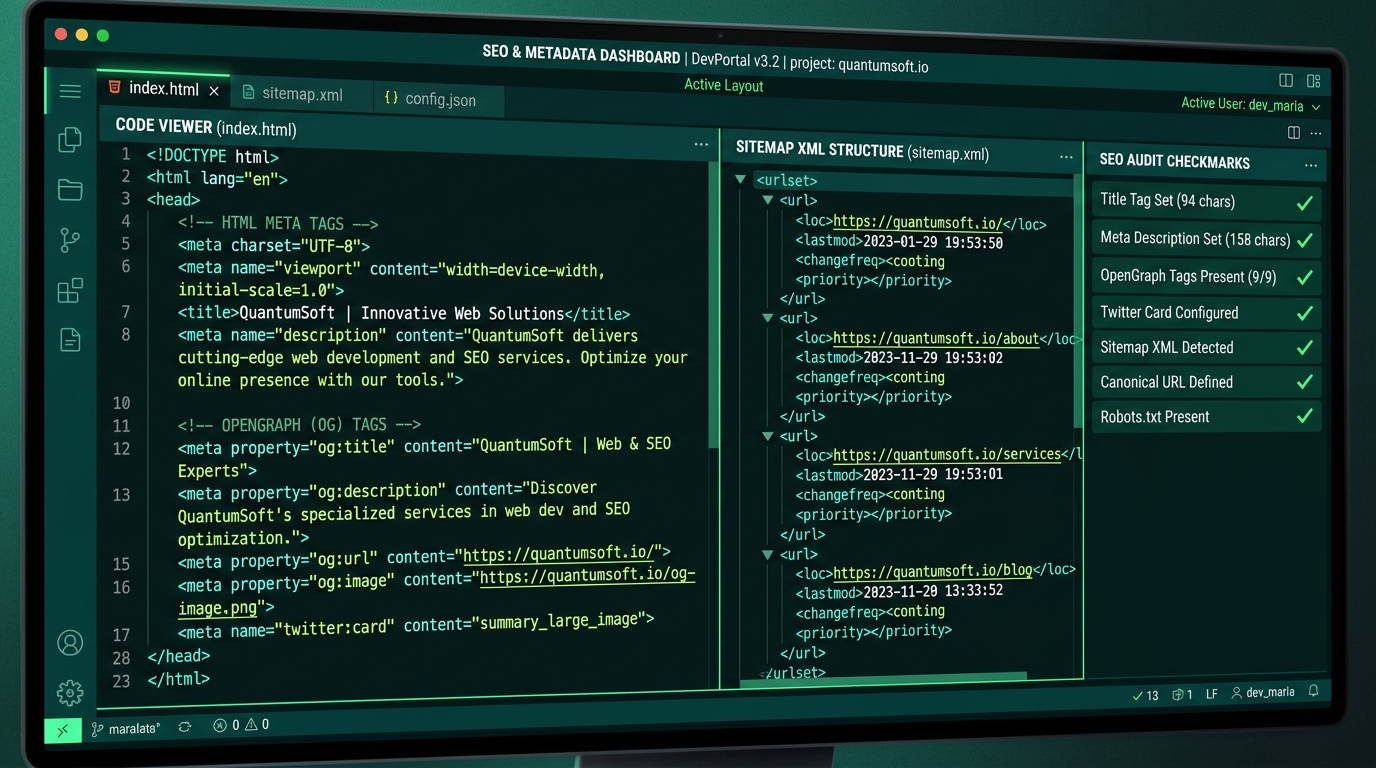
Step-by-Step Technical Guide: How to Set Up On-Page & Technical SEO on Your Website
Setting up SEO on a modern website requires combining on-page content formatting with solid technical execution. Whether you build on Next.js, React, or custom HTML, following this step-by-step setup guide ensures your site ranks quickly and accurately.
Step 1: Configure Dynamic Meta Tags & Title Hierarchy
Every page on your website must have unique, descriptive meta tags:
- Title Tag: Keep titles under 60 characters. Include your primary keyword near the beginning, followed by your brand name (e.g.,
Web Development Agency in India | Blyno Solutions). - Meta Description: Limit to 155–160 characters. Provide a compelling summary containing action words and secondary keywords.
- Heading Tags: Use exactly one
<h1>per page containing your target topic, followed by sequential<h2>and<h3>tags for subtopics.
Step 2: Implement Canonical URLs & OpenGraph Social Cards
Prevent duplicate content issues by explicitly declaring canonical links in your <head>:
<link rel="canonical" href="https://www.blynosolutions.com/services/website-app-development" />Additionally, configure OpenGraph and Twitter card meta tags so your links display rich previews when shared on LinkedIn, WhatsApp, and Twitter:
<meta property="og:title" content="Web & App Development | Blyno Solutions" />
<meta property="og:description" content="Custom web and mobile application engineering built for business growth." />
<meta property="og:image" content="https://www.blynosolutions.com/og.png" />
<meta property="og:type" content="website" />
Step 3: Embed JSON-LD Structured Data (Schema.org)
Structured data provides search engines with explicit information about your business, services, products, and articles. For local businesses and tech agencies, embedding JSON-LD schema increases your chances of earning rich search snippets:
<script type="application/ld+json">
{
  "@context": "https://schema.org",
  "@type": "Organization",
  "name": "Blyno Solutions",
  "url": "https://www.blynosolutions.com",
  "logo": "https://www.blynosolutions.com/logo.jpeg",
  "sameAs": ["https://www.linkedin.com/company/blynosolutions"]
}
</script>
Step 4: Generate XML Sitemaps & Robots.txt
Create a dynamic sitemap.xml file listing all public routes with priority metadata, and place a robots.txt file in your root directory pointing crawlers directly to the sitemap:
User-agent: *
Allow: /
Sitemap: https://www.blynosolutions.com/sitemap.xml
Step 5: Verify in Google Search Console
- Add your domain property to Google Search Console.
- Verify ownership using a DNS TXT record or HTML file.
- Submit your
sitemap.xmlURL under the Sitemaps menu. - Use the URL Inspection Tool to request immediate indexing for critical landing pages.